





coolnet560
Moderators
-
Joined
-
Last visited
-
coolnet560 updated their mood to

-
-
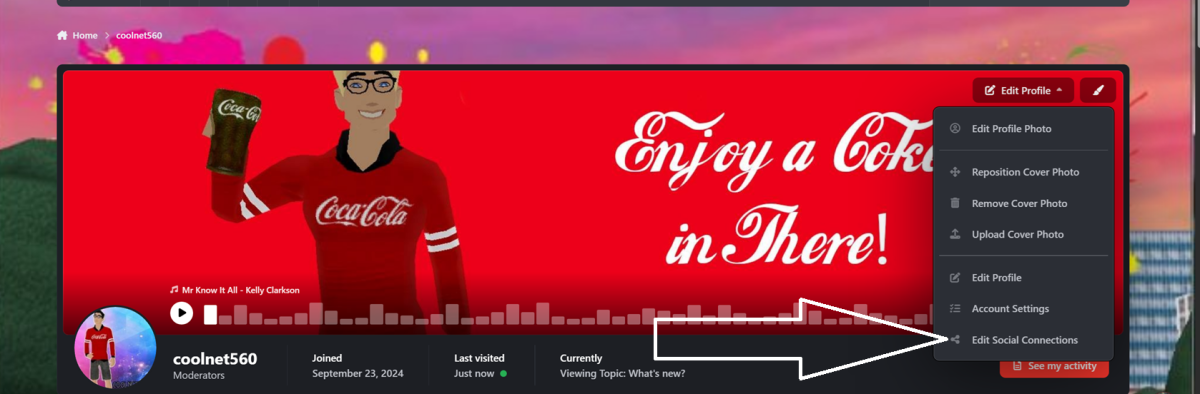
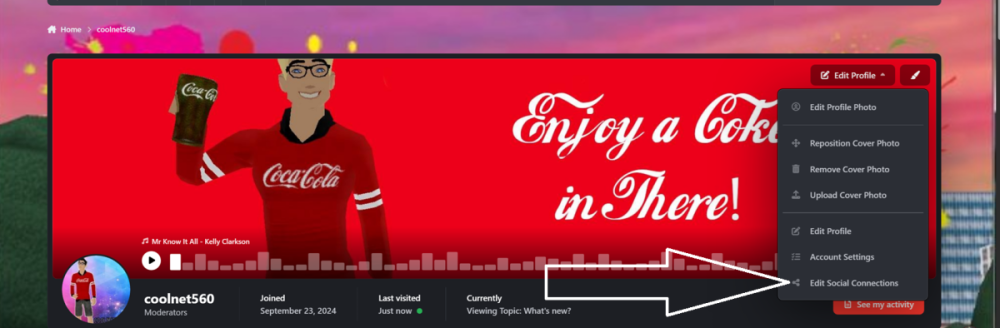
Members Social Info ARE BACK!!!!!! Add Social Platform including There Profile Content Creation Game Platforms
-
Advanced Profiles! Custom Background Profile ADD YOUR OWN MP3 SONGS! STICKY NOTES! AND MORE!
-
-
Made some amazing updates to the forums, be sure to check all of them out! Enjoy!
-
My profile customization looks amazing! Check it out! ❤️💚💙🩵💜
-
-
Statuses are working! Welcome back!
-
Welcome to the new There Communtiy Forums! As mentioned on Discord, Invision Community teams informed me that the 4.7 version we were running will stop supporting on, December 2026. This made me no choice but to upgrade to Invision Community 5. Nothing much has changed in what we offer, but some of our older features are no longer available. How did we do it? We had to migrate our database which was using MYSIAM to INNODB. There were hundreds of databases that had to be converted over. This took some time for me to take care of it. We also had to upgrade our PHP from 8.1 to 8.2 Then we backed up our files and databases to allow us to upgrade to Invision Community 5. What's gone? Honestly, nothing is gone. Everything we had prior including our features are still here. The only thing at the moment we don't have are moods, old themes are gone, but we have new themes and styles. Located on the bottom of the page. Two New Themes! Click on the bottom where it says 'Themes' and choose of one of them. You can choose Light / Dark / System Uniform version you got a customizer one on the top right corner. Will add more background later. Security Upgrades, New Cloudflare Captcha, improved registration system. 1. Variety of Logins/Sign Ups Facebook Google Twitter (x) Discord Login 2. Chatroom/Private IM. Using your friends list you can send them a private IM. Fun Games! Drawing! More!!! 3. Friends list Add a friend. 4. Gallery (add your There Photos) 5. Downloads Profiles Status Profile Background Upload Your Favorite Music Albums Add Notes Better Customization for your profile! Members List Create your own clubs Add leaders or moderators. Create your own topic Create your own Public Chatroom Profile Status MOODS Are BACK!!! Advanced Profiles! Custom Background Profile ADD YOUR OWN MP3 SONGS! STICKY NOTES! AND MORE! Members Social Info ARE BACK! Add Social Platform including There Profile Content Creation Game Platforms So much more!!!!! We will continue to add more as times go on. If you have any suggestions, please let us know in the Suggestion.
-
coolnet560 changed their profile photo
-
I love this idea! This is so cool!
-
I believe @Percy of Thereia helped you with that issue on Discord. ❤️
-
Every Monday Night @susanszy hosts weekly Bingo events on There. Join the Bingo Maniacs Group on here and on There Group if you want invites and notifications. Bingo happens every Monday night at 9:00pm ET/6:00pm PT. If you would like to sponsor bingo, please contact Susanszy.
-
I used to love CC Metro. My favorite location but it is gone now.
-
That's cool! A few years ago I was scooby doo. hehe
-